
World Recorder: what the addon does for you and for every WoW Forever player
WoW Forever changed loot, quests and vendors, and the game client does not hold most of it. Where an item drops and how often, who gives a quest, what a vendor sells and what a trainer teaches: the realm tells each of these only to the player standing there. Drop rates copied from Classic do not know what Forever changed. World Recorder keeps what your game shows you while you play, and brings it to wowdb.wiki for you and for everyone else.
Your characters on your profile
After your first session, your profile opens with your characters, laid out like the game's character sheet: level, realm and guild, professions with their ranks, equipped items, talents and Legacy. Each time you log out, the sheet catches up with what you did.
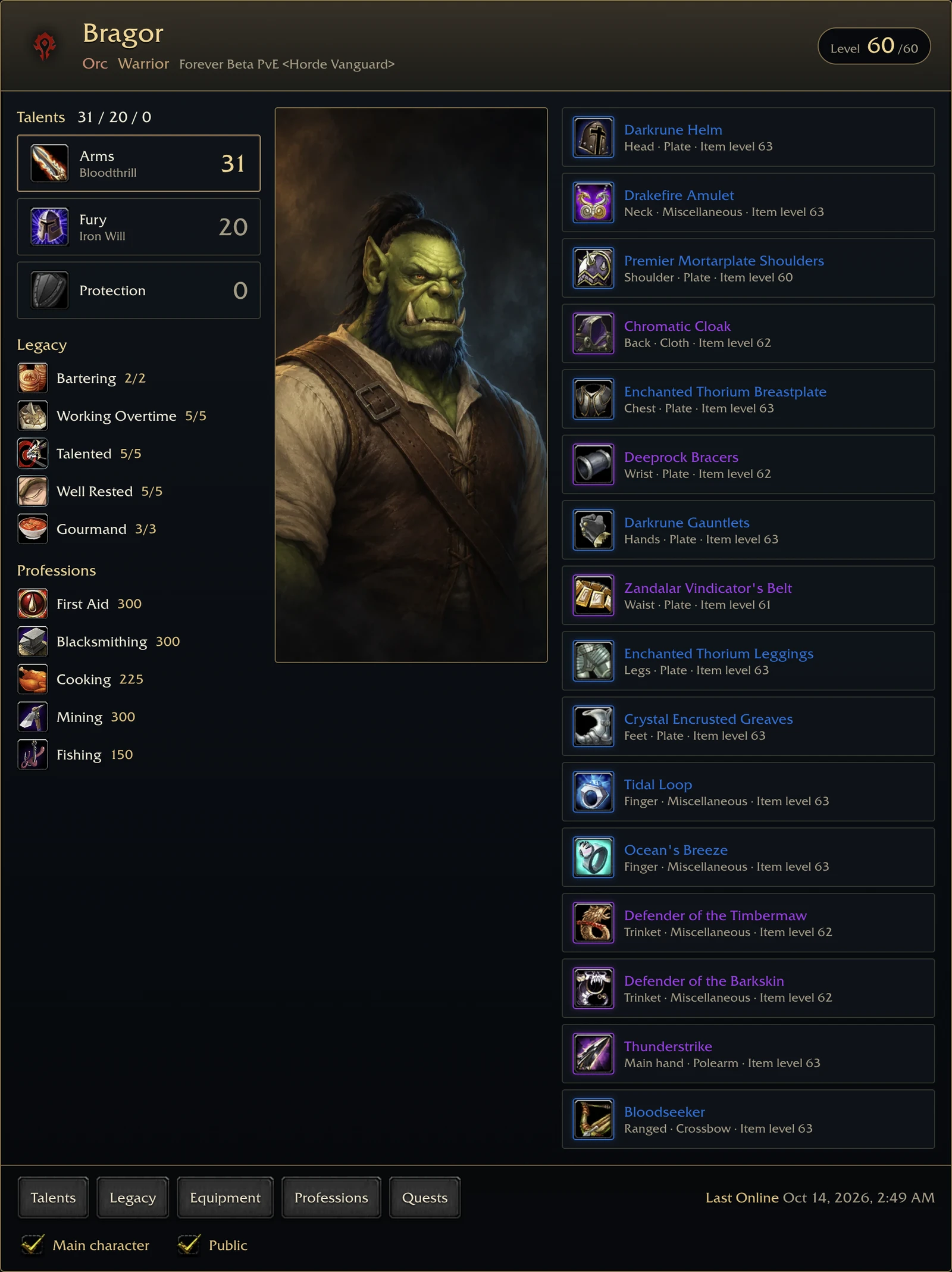
Your characters are public, so other players see who is behind your published builds. Clear Public on a character to hide it. Money and experience are shown only to you.
Planners filled in from your character
Link a plan to a character and the planners start from what the game knows. Talents, Legacy, Equipment, Professions and Quests open with that character's class, race and level already set.
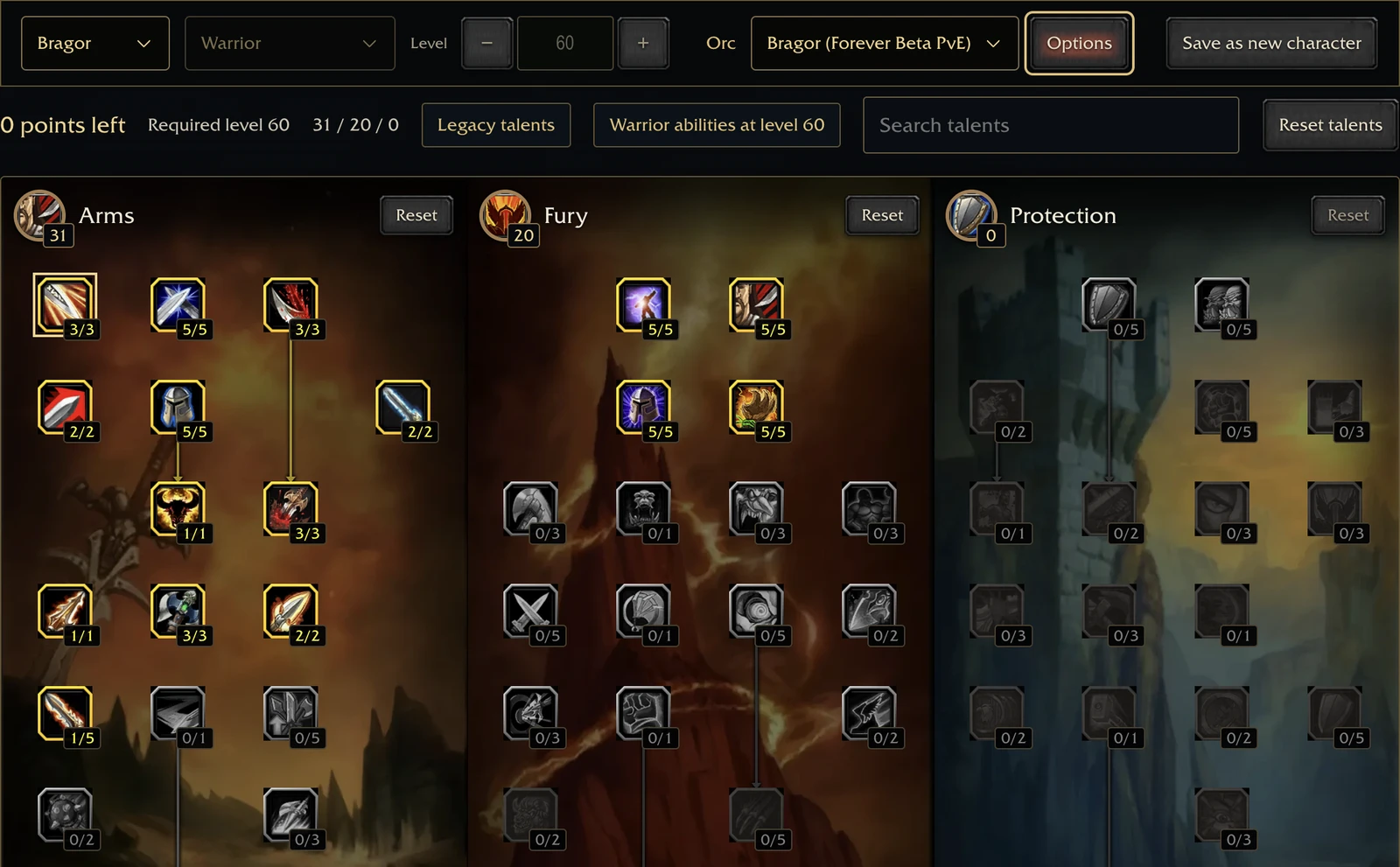
You choose what follows the game. Level, equipment, professions and completed quests follow by default; talents and Legacy follow when you turn them on. Ding, log out, and the plan has moved with you. Gear, skill ranks and finished quests are never typed by hand.
Your own record of play
Your World Recorder page keeps a tally of your adventures: items looted in each quality, corpses and objects looted, skinning and pick pocketing, fish caught, every rare or better item you looted with where it came from, what you gathered most and your latest quest with who gave it. Beside it is what your records have given every player: drop rates, quest offers and quest texts, creatures, vendors, trainers and flight masters.
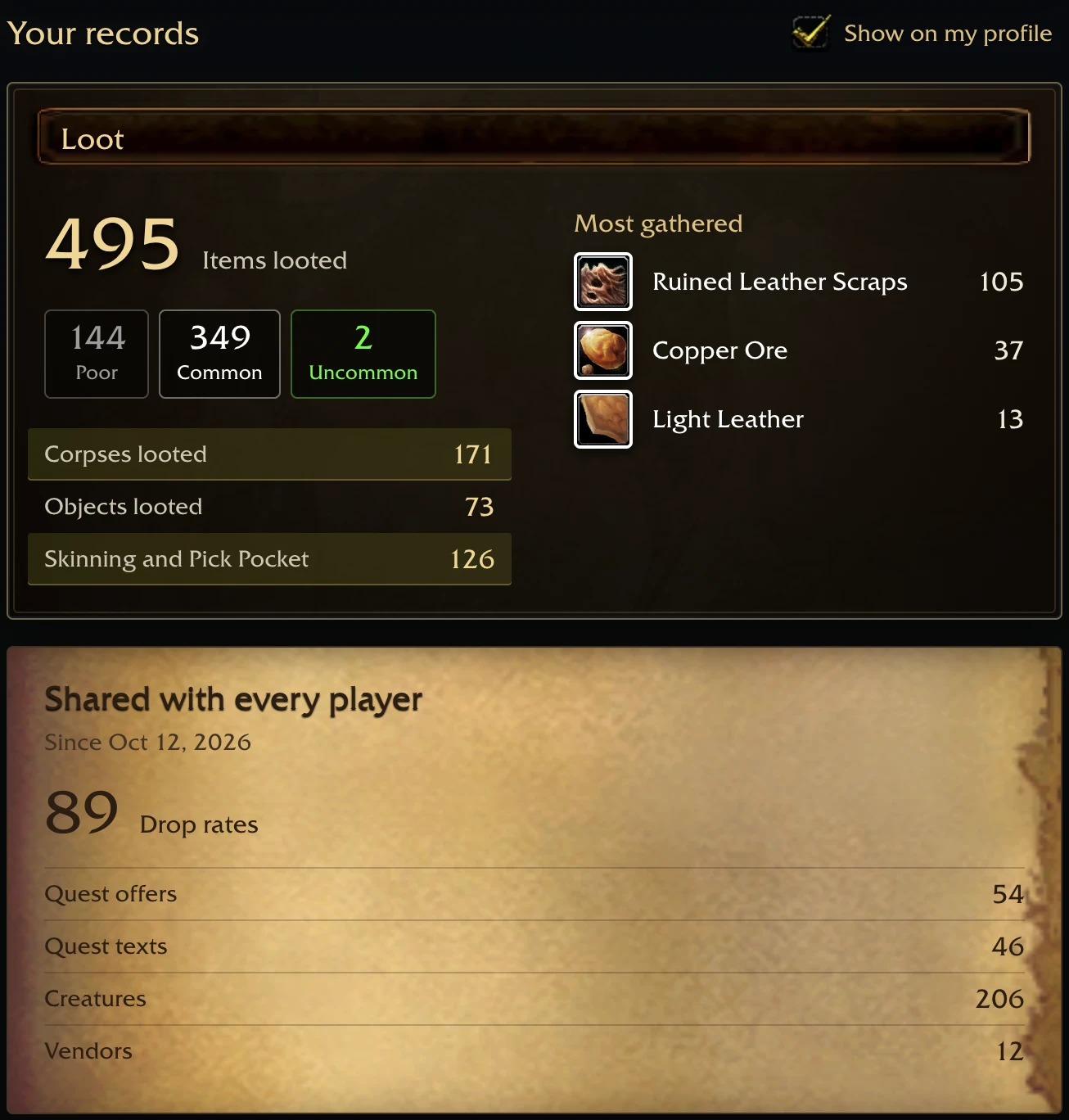
These statistics are private. Turn on Show on my profile there if you want other players to see them on your public profile.
What your play gives every player
Everything below comes from what your game client already shows you. wowdb.wiki combines your records with those of every other player who records.
- Drop rates with the kills behind them. World Recorder counts every creature you kill as well as every corpse you loot, so a rate has a real denominator. A 2% seen over 50 kills and a 2% seen over 5,000 are different facts, and each rate keeps its sample size.
- Gathering kept apart. Skinning, Mining and Herbalism loot is counted separately from corpse loot, and coin drops are counted too.
- Quests. Who gives each quest and who you turn it in to, its text, its experience and money and its reward choices.
- Vendors, trainers and flight masters. What a vendor sells and at what price, what a trainer teaches and for how much, and the routes and fares a flight master offers.
- Fishing. What you catch, by zone and subzone.
- Creatures. Their levels, health and the spells they cast.
Nobody can record a whole realm alone. A rare drop needs thousands of kills, and a vendor in a remote corner needs one visit. When many players record as they play, the database fills with Forever's own numbers.
Built to stay out of your way
World Recorder only listens to what the game shows you. It never clicks, casts, loots, speaks in chat or acts for you in any way, and it never reloads your interface. The game writes addon data when you log out or exit; seconds later the uploader sends what changed, once and compressed. If you are offline, it waits and sends later.
Quest text keeps your name as the game's own placeholder. The game facts that wowdb.wiki publishes from your records never carry your name or your characters. On your profile you can hide any character, and on your World Recorder page you can unlink any computer.
Get World Recorder
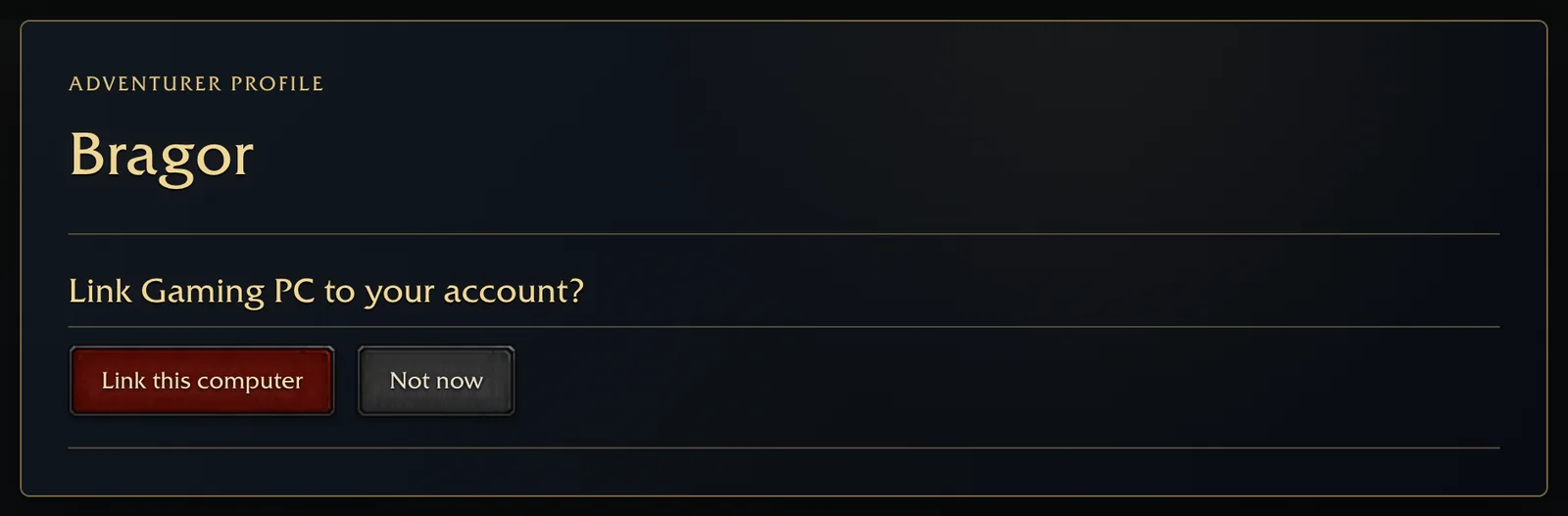
Download the setup for your computer below. It puts the addon into your WoW Forever client, starts the uploader when your computer starts and links the computer to your wowdb.wiki account in your browser. Your World Recorder page then opens and shows each step on this computer, from the program to the upload of your records. After that, play as usual. Step-by-step help, including the warnings Windows and macOS show for new downloads, is in the install article.
Adventurers’ notes